

GIMP
Free image editing software with official downloads, documentation and version information.
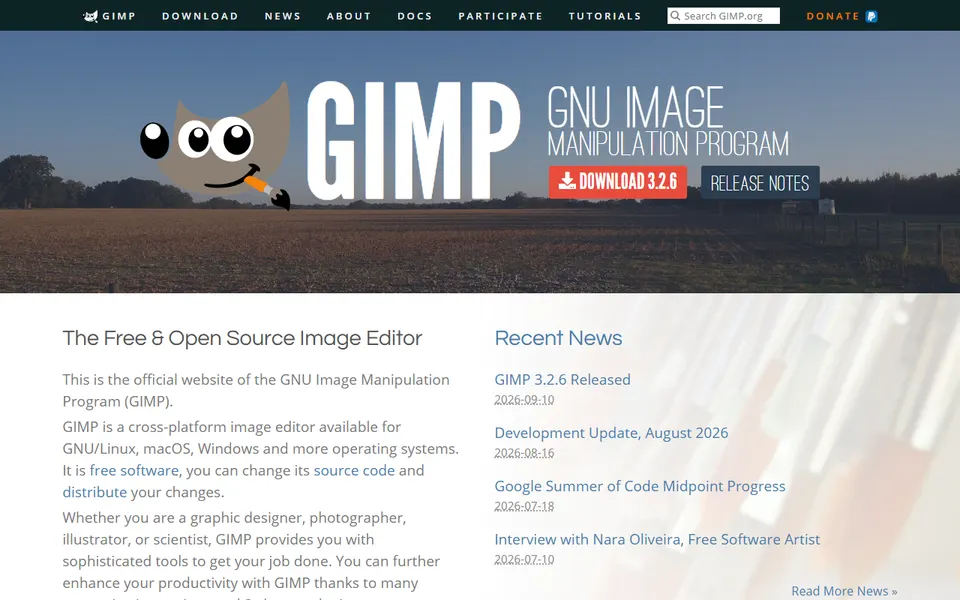
Screenshot captured on 2026-09-22. The current website may have changed.
Prepare an image for publication
Work on a copy and choose dimensions, format and export for the intended medium.
Check first: Inspect the exported file’s colour, readability and incorporated rights.
Choose the file for the actual system
The official page distinguishes systems and architectures and publishes SHA-256 hashes for several files. Use the exact file’s information rather than a copied download link.
- Compatibility
- Check the stated system, architecture and requirements.
- Integrity
- Compare the published hash with the exact file when performing this check.
- Documentation
- The manual is available separately; an old screenshot may show another version.
Official documentation
Documentation consulted on .
Questions about GIMP
What does GIMP provide?
Free image editing software with official downloads, documentation and version information.
Which publisher and domain are listed?
Équipe GIMP is the publisher recorded for gimp.org. Follow the official destination and check its current details before acting.
Is inclusion a certification?
This is an editorial selection. It does not certify every statement, service or transaction on the external website.
Keep the context for your next step
Record version, download source, licence, required permissions and export method. Test the final file on the recipient’s platform; opening it in the editor does not validate the exchange.
Compare the evidence and resources for this subject →