
Check video captions before publishing
Review speech, names and meaningful sounds, then test timing and readability in the player your audience will use.
Follow the method ↓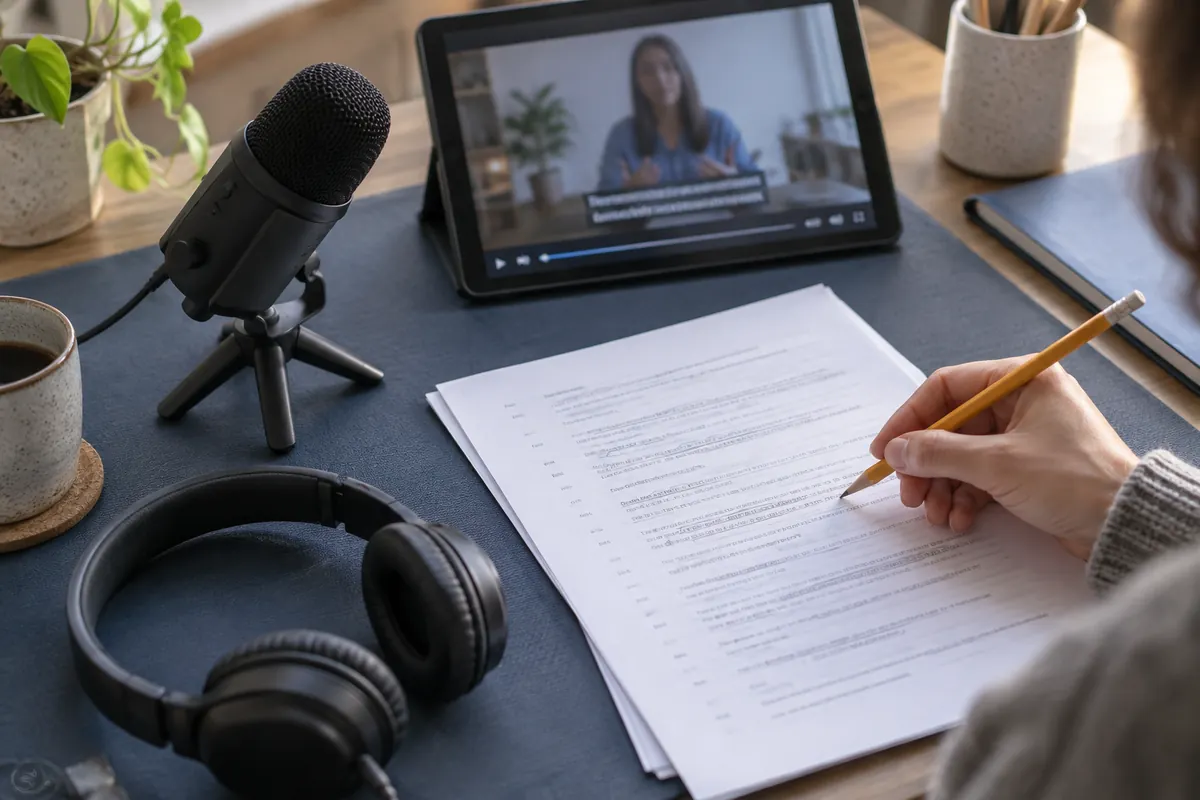
The answer in 30 seconds
Choose a short clip you are allowed to use and prepare a list of expected terms. Review accuracy and reading comfort in separate passes so that a fluent sentence does not hide a transcription error.
Automatic captions are a starting point. Check spoken meaning, speaker changes, meaningful sounds and display timing before publishing the finished video.
Examples to adapt
A short glossary helps you correct repeated names consistently.
A missing negative can change a sentence that still sounds perfectly natural.
Follow the method
- 1Prepare a reference
List names, abbreviations and specialist terms. Keep the source video and a separate copy of the caption track.
- 2Check meaning
Listen sentence by sentence, paying attention to numbers and negatives. Flag unclear audio instead of inventing words.
- 3Review presentation
Watch once without sound and once with it. Look for delayed captions, rushed lines and text covering important visual details.
- 4Test the published version
Open the final file in the intended player on a small screen. Confirm that the correct language track can be enabled.
A checklist to keep
Use these checks to record your observations. They are a reading aid, not an automatic assessment.
| Check | What to examine | Action |
|---|---|---|
| Text | Names, numbers, negatives | Review |
| Context | Speaker and meaningful sound | Clarify |
| Timing | Start, end and reading pace | Watch |
| Delivery | Language and final player | Test |
Free, no sign-up. UTF-8 text with semicolon-separated columns.
What to check
Transcription and translation address different needs.
The caption track must match the video version.
An editor preview does not replace a final playback check.
Common questions
Are automatic captions enough?
Review them before publication.
Should I test on a phone?
Yes. Small screens help reveal timing, size and overlap problems.
Sources and documentation
Documentation consulted on . Examples are illustrative; interfaces and results may change.