
Use private browsing with clear limits
Understand which local browser traces a private window reduces and what it cannot hide.
Follow the method ↓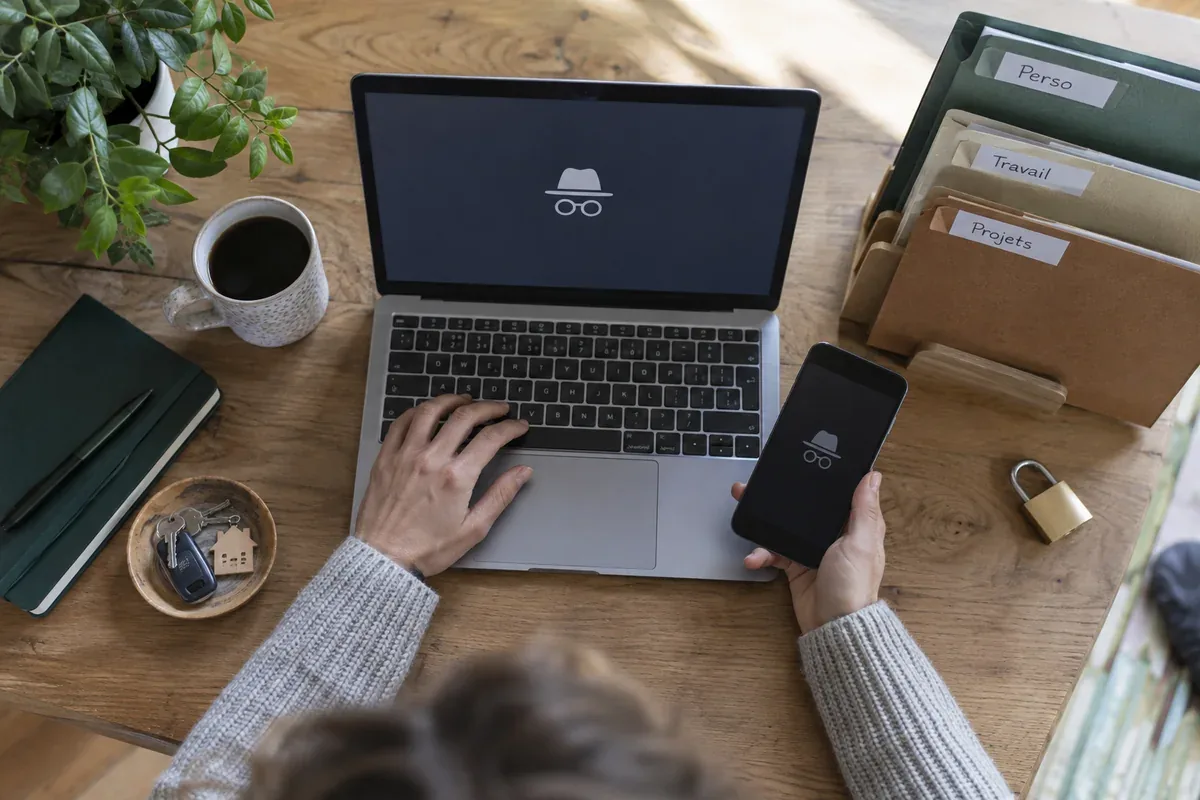
The answer in 30 seconds
A private window helps keep a browsing session separate from the browser's ordinary history and cookies. It does not hide an account you sign in to or make an untrusted computer safe.
Use a private window for a short, separate session. Check for downloads and bookmarks, sign out of services and close every private window when finished.
Examples to adapt
Compare the visitor view while recognising that location and language can still affect results.
Separate user accounts offer stronger everyday separation than repeatedly opening private windows.
Avoid sensitive tasks because private mode cannot rule out malicious software on the machine.
Follow the method
- 1Choose the right task
Use private mode for a temporary session separate from ordinary browser cookies.
- 2Confirm the mode
Look for the browser's private mode indicator rather than assuming a dark theme is private.
- 3Remember account identity
A website can associate your activity with you after you sign in.
- 4Check saved items
Downloads and bookmarks may remain on the device after closing the window.
- 5End the whole session
Sign out and close all related private windows, not merely one tab.
A checklist to keep
Use these checks to record what you found. The grid supports a decision; it does not make one for you.
| Check | What to examine | Action |
|---|---|---|
| Purpose | Who should not retain this session? | Define |
| Mode | Is private mode visibly active? | Confirm |
| Account | Did you sign in? | Consider |
| Files | Were anything downloaded or bookmarked? | Check |
| Exit | Are all private windows closed? | Finish |
Free, no sign-up. UTF-8 text with semicolon-separated columns.
What to check
Private browsing does not erase earlier ordinary browsing history.
Downloads may survive the session.
It does not protect against spyware already on the device.
Common questions
Does it make me anonymous to a site?
No. The site can still see a sign-in and other information associated with the visit.
Can it help diagnose a browser problem?
It can provide a comparison, but a different result alone does not identify the exact cause.
Sources and documentation
Documentation consulted on . Examples are illustrative; interfaces and results may change.