
Handle a fake tech support alert safely
Respond differently to a scary pop-up, a remote-access session or a payment, without trusting the number on the screen.
Follow the method ↓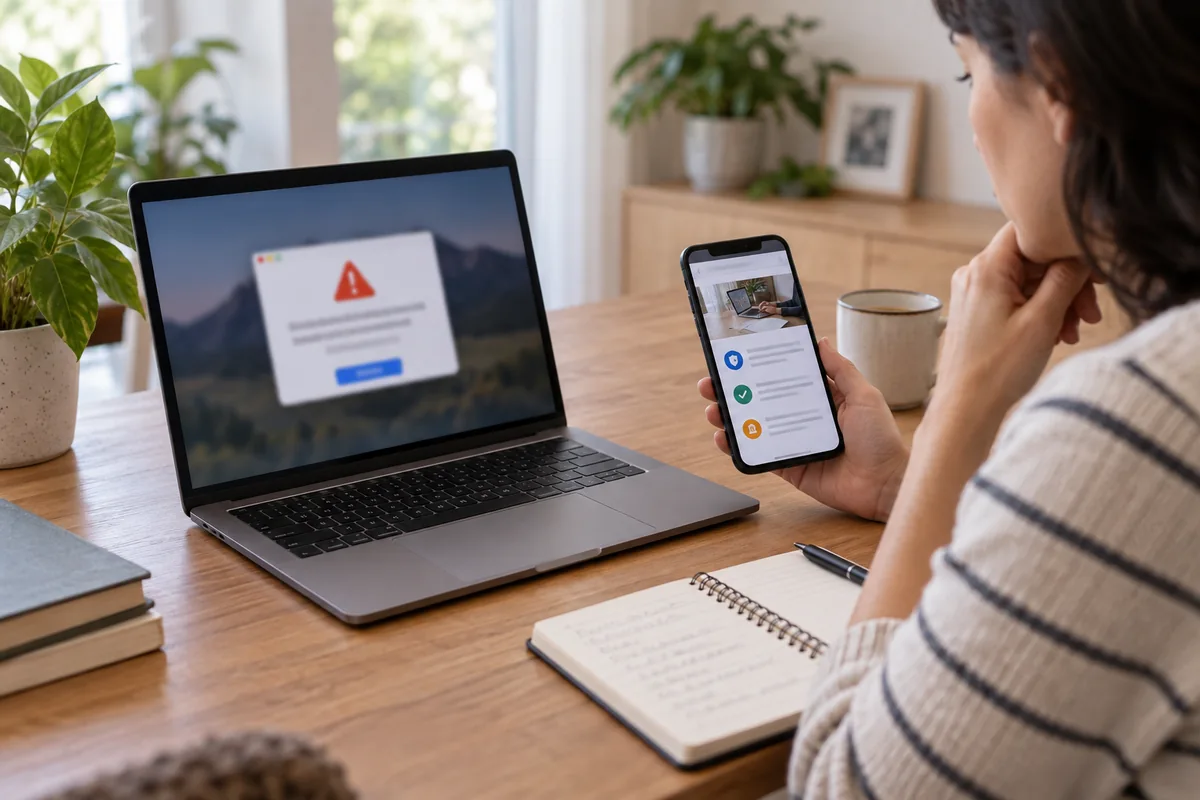
The answer in 30 seconds
A browser page may fill the screen and demand an urgent call to a supposed support team. Seeing the warning, calling, granting remote access and paying are different levels of exposure. Work out what actually happened before choosing the response, and never use contact details supplied by the warning itself.
Do not call the number or grant remote control. Photograph the warning as evidence, close the page or restart if needed. If you installed remote-access software, gave credentials or paid, secure the device and affected accounts, contact your bank through a known channel and keep records of the incident.
Examples to adapt
Close it and check the browser. If a real technical problem remains, find support through the publisher's official site.
Stop the session, get competent help to inspect the computer and secure sensitive accounts from another trusted device.
Keep the evidence, contact the bank directly and watch for later charges or subscriptions.
Follow the method
- 1Establish the exposure
Record whether you merely saw the page, called, installed remote-control software, typed a secret or paid. The next actions depend on this distinction.
- 2Leave without following the warning
Take a photo of the screen and address if safe. Do not use its button or phone number. Try Escape or leave full-screen mode; restart if the page prevents any other action.
- 3Check a device that was remotely controlled
End the exchange. If you cannot control the computer, disconnect it from the network and seek competent assistance. Remove unwanted remote-access software and inspect changes and installed programs.
- 4Protect accounts and payments
On a safe device, use known official addresses to change exposed passwords and revoke suspicious sessions. If payment details were provided, contact the bank promptly through its usual channel.
- 5Preserve and report
Keep the page address, number called, software name, messages and payment records. Follow the relevant reporting and support route in your country.
A checklist to keep
Use these checks to record what you found. The grid supports a decision; it does not make one for you.
| Check | What to examine | Action |
|---|---|---|
| Pop-up only | Do not call; leave the page | Check browser |
| Call only | Hang up; do not call back | List information shared |
| Remote access | End the session and get help | Inspect device and accounts |
| Password exposed | Change it on a safe device | Revoke sessions |
| Payment or card | Call the bank on a known number | Keep evidence and monitor charges |
Free, no sign-up. UTF-8 text with semicolon-separated columns.
What to check
A browser warning that demands a phone call is not proof of a diagnosis by the device maker.
Closing the page does not prove the computer is clean after software installation or remote control.
Find support from a known official address rather than an advertised number in search results.
Separate the facts you observed from assumptions about what an attacker may have accessed.
Common questions
Is every scary pop-up an infection?
No. A deceptive webpage can imitate a system alert. Installing software or sharing credentials creates additional risks that require checks.
I only made a call. What next?
End it, do not call back and note the time and number. Check whether you also revealed secrets, installed software or paid.
Should I restart immediately?
Try to close the browser first. Restarting may help with a page that traps the screen; remote access or installed software needs further assessment.
Where can I find real support?
Use the publisher's or device maker's official website or documentation you already trust, not the warning's contact details.
Sources and documentation
- Microsoft Support — Protect yourself from tech support scams ↗
- Cybermalveillance.gouv.fr — Response to fake technical support (French) ↗
Documentation consulted on . Examples are illustrative; interfaces and results may change.