
Check photo metadata before sharing
Consider embedded location and visible clues, then verify the actual file recipients will receive.
Follow the method ↓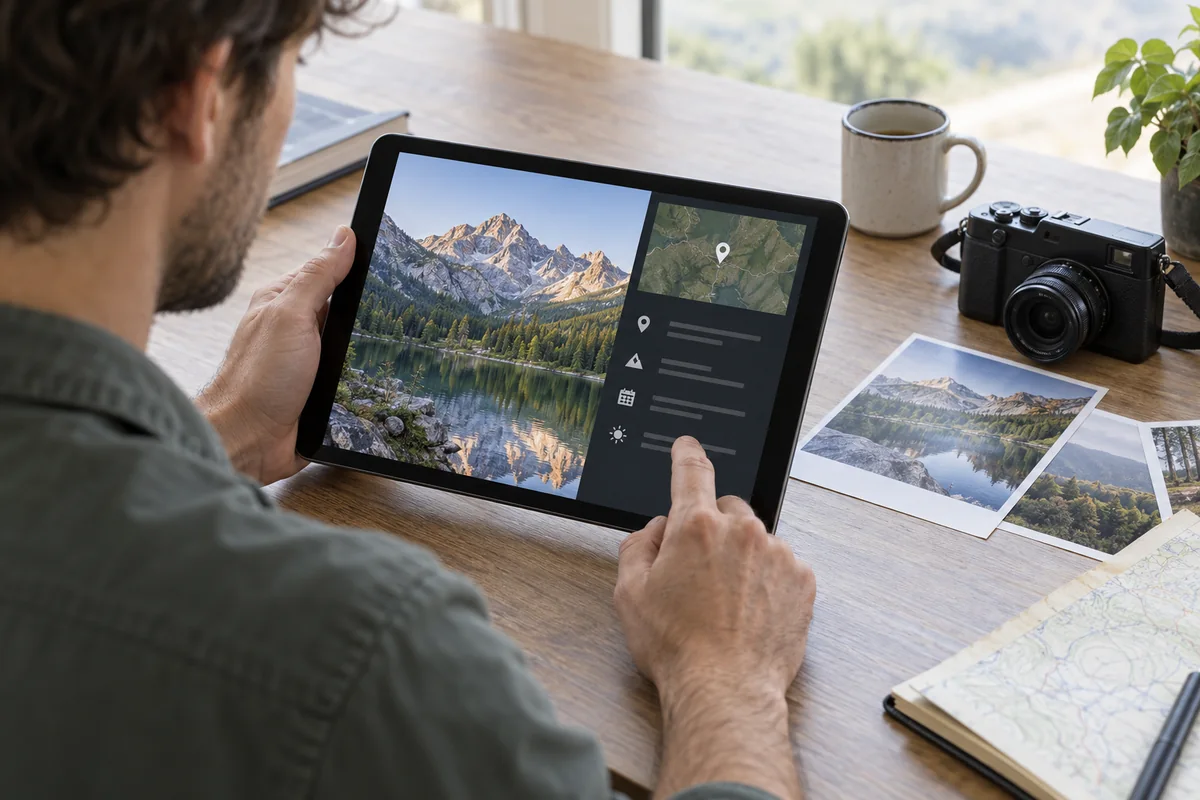
The answer in 30 seconds
A photograph can reveal more than its subject. Some camera apps embed location metadata, while signs, documents and reflections in the image itself can reveal information even when metadata is removed.
Inspect the photo and its details, remove or withhold location when appropriate, share a copy through the intended app and check that copy rather than assuming all sharing methods behave alike.
Examples to adapt
Check both location metadata and a visible street sign or document.
Consider the people shown and whether you have a basis to publish their image.
A social app's handling of metadata may differ from sending the original file directly.
Follow the method
- 1Inspect the scene
Look for faces, badges, addresses, screens and reflections.
- 2Check file details
Review location and other metadata in the phone's photo information panel.
- 3Choose sharing options
Use the app's location-off option or create a suitably edited copy.
- 4Verify the sent file
Open the copy through the same route a recipient will use and confirm sensitive clues are absent.
A checklist to keep
Use these checks to record what you found. The grid supports a decision; it does not make one for you.
| Check | What to examine | Action |
|---|---|---|
| Scene | What is visible? | Inspect |
| Location | Are coordinates embedded? | Check |
| People | Who is identifiable? | Consider |
| Copy | What will recipients get? | Preview |
| Original | Is it preserved separately? | Keep |
Free, no sign-up. UTF-8 text with semicolon-separated columns.
What to check
Removing GPS coordinates does not remove visible location clues.
Changing one copy does not change every original or backup.
Recipient apps may preserve or strip metadata differently.
Common questions
Does a screenshot remove every clue?
No. It may drop some metadata but preserve visible private details and add new device information.
Should I erase all metadata?
Keep useful originals for your records; decide what a particular recipient should receive.
Sources and documentation
Documentation consulted on . Examples are illustrative; interfaces and results may change.