
Prepare a useful support request
Describe the expected result, reproduction steps and observed message, then share only the information needed by the official support team.
Follow the method ↓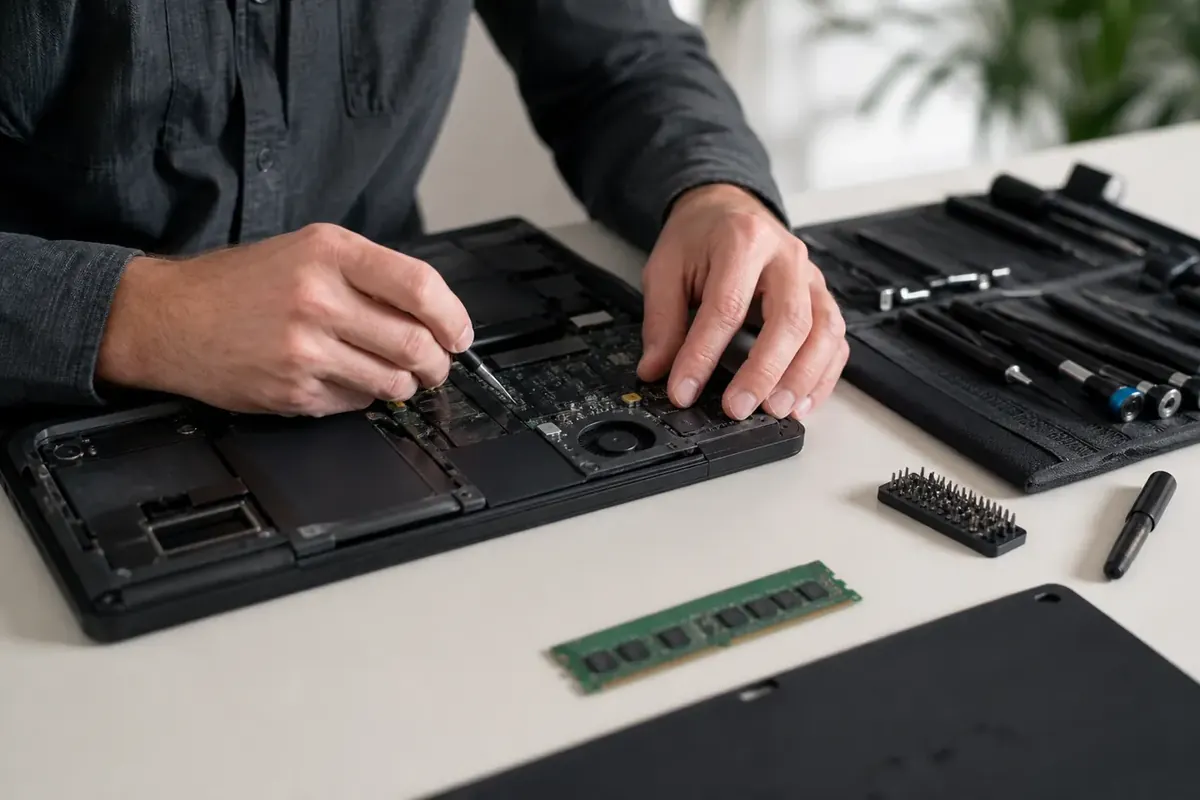
The answer in 30 seconds
It does not work leaves many possibilities open. A short, ordered description helps support understand the situation and avoids repeating tests you have already completed.
A useful request explains what you are trying to do, what happens and how to reproduce it. Include version, time and previous checks without sharing passwords or unnecessary private documents.
Examples to adapt
Record frequency, connection and affected device to identify common conditions.
Create a fictional example that reproduces the problem instead of sending the original.
Follow the method
- 1State the expected result
Describe the exact action: opening a page, exporting a file or connecting a device. Add when it last worked if known.
- 2Reproduce safely
Record the steps and exact message. Do not repeat an action that might send a payment or delete data.
- 3Prepare evidence
Include the version and a cropped screenshot when helpful. Check tabs, notifications and filenames before sharing.
- 4Use the correct channel
Find support through the official website, retain the case number and keep a record of attempted solutions.
A checklist to keep
Use these checks to record your observations. They are a reading aid, not an automatic assessment.
| Check | What to examine | Action |
|---|---|---|
| Goal | Expected action | Describe |
| Observation | Message and time | Record |
| Context | Version and device | Specify |
| Checks | Action and result | Keep |
Free, no sign-up. UTF-8 text with semicolon-separated columns.
What to check
Support does not need your password.
Logs may contain private information.
An unsolicited message does not establish a technician’s identity.
Common questions
Should I send an entire technical log?
Review its contents and the request, then provide the relevant minimum.
How can I track checks?
Record action, date and outcome so that changes remain clear.
Sources and documentation
Documentation consulted on . Examples are illustrative; interfaces and results may change.