
Share a phone's internet connection
Use a protected temporary hotspot and watch mobile data, battery and connected devices.
Follow the method ↓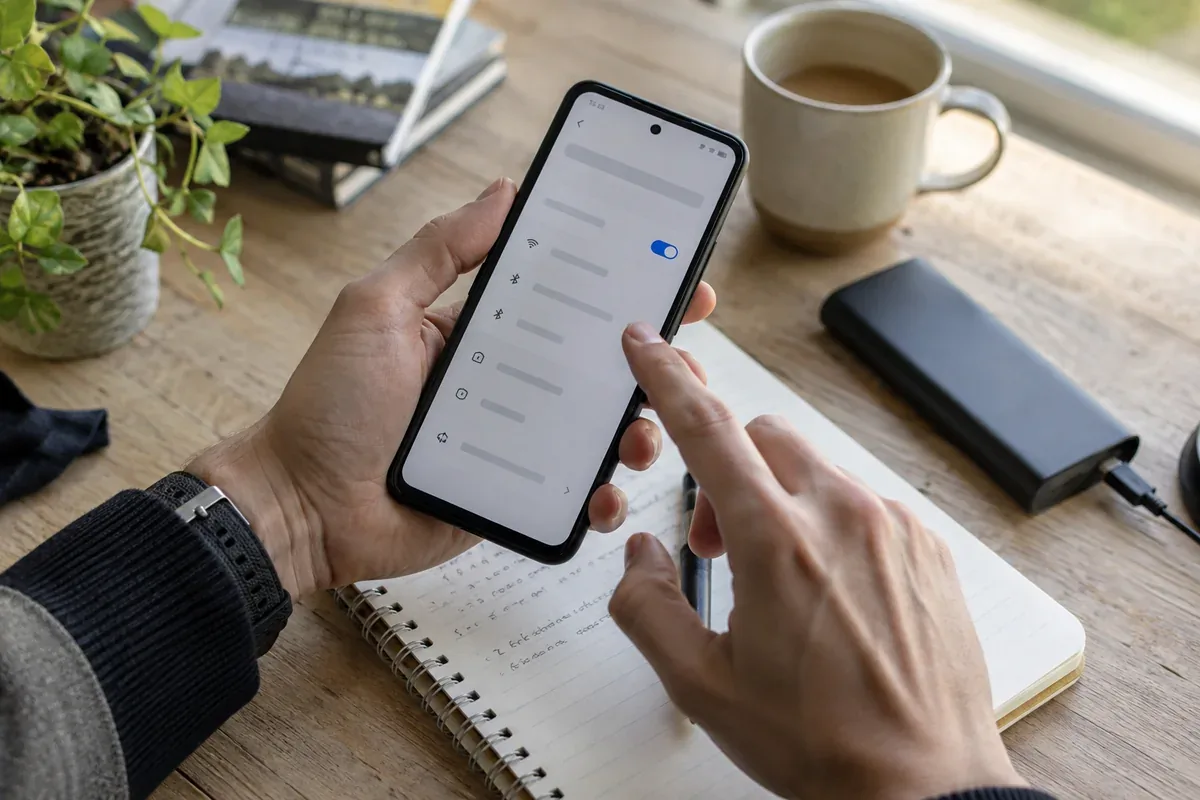
The answer in 30 seconds
A phone hotspot lets another device use the phone's mobile connection. Plan limits, device settings and battery life can affect the result, and the network should not stay open after the need ends.
Check your plan, enable a password-protected hotspot or supported tethering option, connect only the intended device, monitor usage and turn sharing off when finished.
Examples to adapt
Connect one laptop, finish the upload and disable the hotspot.
Estimate data use and keep the phone powered if the meeting is long.
Use a unique hotspot password and review connected devices.
Follow the method
- 1Check conditions
Review signal, mobile allowance and whether the carrier permits tethering.
- 2Secure the hotspot
Choose a protected Wi-Fi hotspot or supported USB/Bluetooth method and set a unique password.
- 3Connect and test
Join the intended device, open a page and verify which network it is using.
- 4Watch and stop
Monitor data and battery, then disconnect and disable sharing.
A checklist to keep
Use these checks to record what you found. The grid supports a decision; it does not make one for you.
| Check | What to examine | Action |
|---|---|---|
| Plan | Is tethering allowed and affordable? | Check |
| Signal | Is the mobile link stable? | Test |
| Protection | Is a unique password set? | Secure |
| Device | Who connected? | Review |
| Usage | How much data and battery remain? | Monitor |
Free, no sign-up. UTF-8 text with semicolon-separated columns.
What to check
Some mobile plans limit or charge for tethering.
Large updates can consume mobile data in the background.
An unprotected hotspot can admit unwanted devices.
Common questions
Will the laptop use the phone's data plan?
Usually yes when the phone shares its mobile connection; confirm which link the phone is using.
Should I leave the hotspot enabled?
Switch it off when the task ends to reduce exposure and battery use.
Sources and documentation
Documentation consulted on . Examples are illustrative; interfaces and results may change.