
Compare home internet connection types
Check address-level availability and distinguish the access line from Wi-Fi inside your home.
Follow the method ↓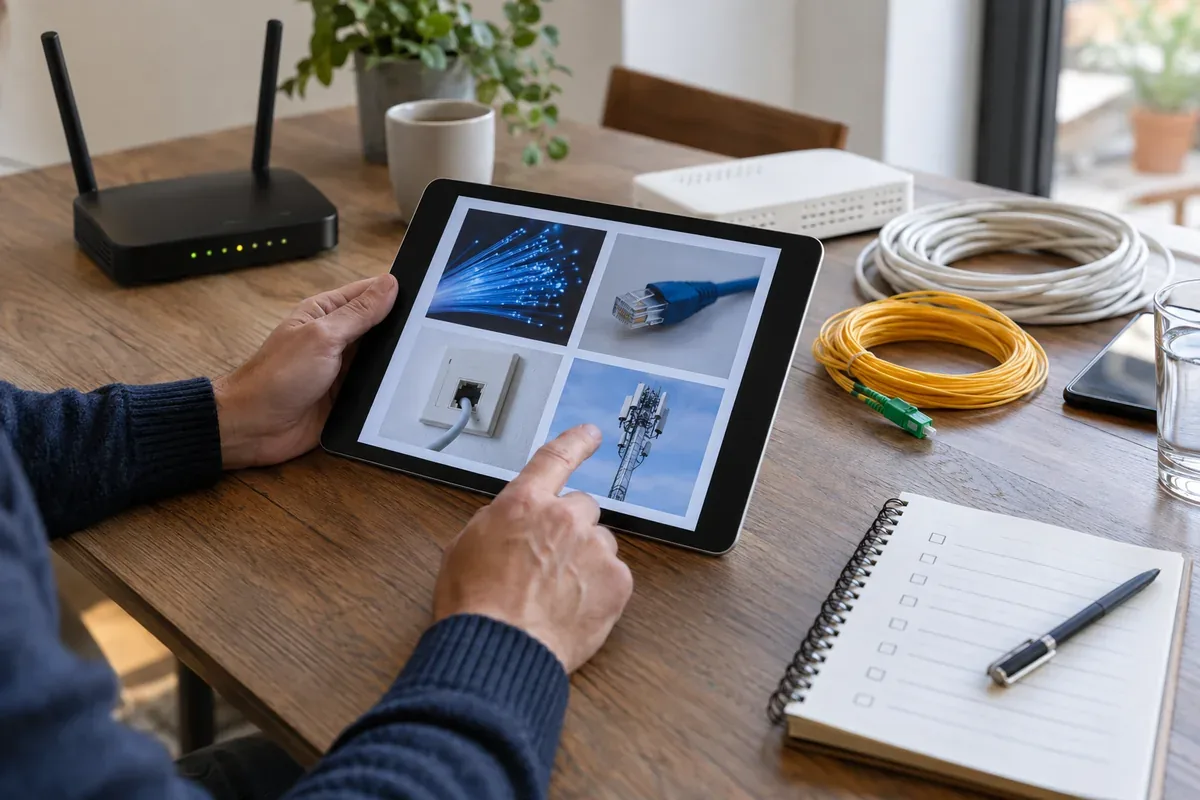
The answer in 30 seconds
Fibre, copper-based broadband, cable, mobile and satellite connections use different access networks. An advertised technology may not be available at every address, and a poor Wi-Fi room does not by itself describe the access line.
Check the technologies available at your exact address, compare expected download and upload needs, installation conditions and service terms, then test the local Wi-Fi separately from the line.
Examples to adapt
Consider upload performance as well as headline download speed.
Verify actual installation options rather than assuming a regional coverage label applies.
Test near the router before changing the internet contract.
Follow the method
- 1Check the address
Use a regulator or provider availability checker for the exact property.
- 2List real uses
Note video calls, remote work, uploads and the number of simultaneous users.
- 3Compare terms
Review technology, expected performance, installation, equipment and recurring price.
- 4Separate the network
Test wired or near-router performance and Wi-Fi coverage after activation.
A checklist to keep
Use these checks to record what you found. The grid supports a decision; it does not make one for you.
| Check | What to examine | Action |
|---|---|---|
| Address | Which technologies are available? | Check |
| Use | What upload and download tasks matter? | List |
| Install | What work or equipment is needed? | Confirm |
| Terms | What is the full recurring cost? | Compare |
| Home Wi-Fi | Does the local network perform? | Test |
Free, no sign-up. UTF-8 text with semicolon-separated columns.
What to check
Coverage estimates do not guarantee a completed installation.
Upload and latency may matter more than a single download figure.
Wi-Fi quality depends on the home as well as the access service.
Common questions
Is fibre available everywhere?
No. Check the exact address and confirm with a provider before planning a switch.
Does a faster subscription fix weak Wi-Fi?
Not necessarily. Diagnose the room and device connection separately.
Sources and documentation
Documentation consulted on . Examples are illustrative; interfaces and results may change.