
Set up a home router and check the connection
Connect the access line, check the provider status and test the line before improving Wi-Fi coverage.
Follow the method ↓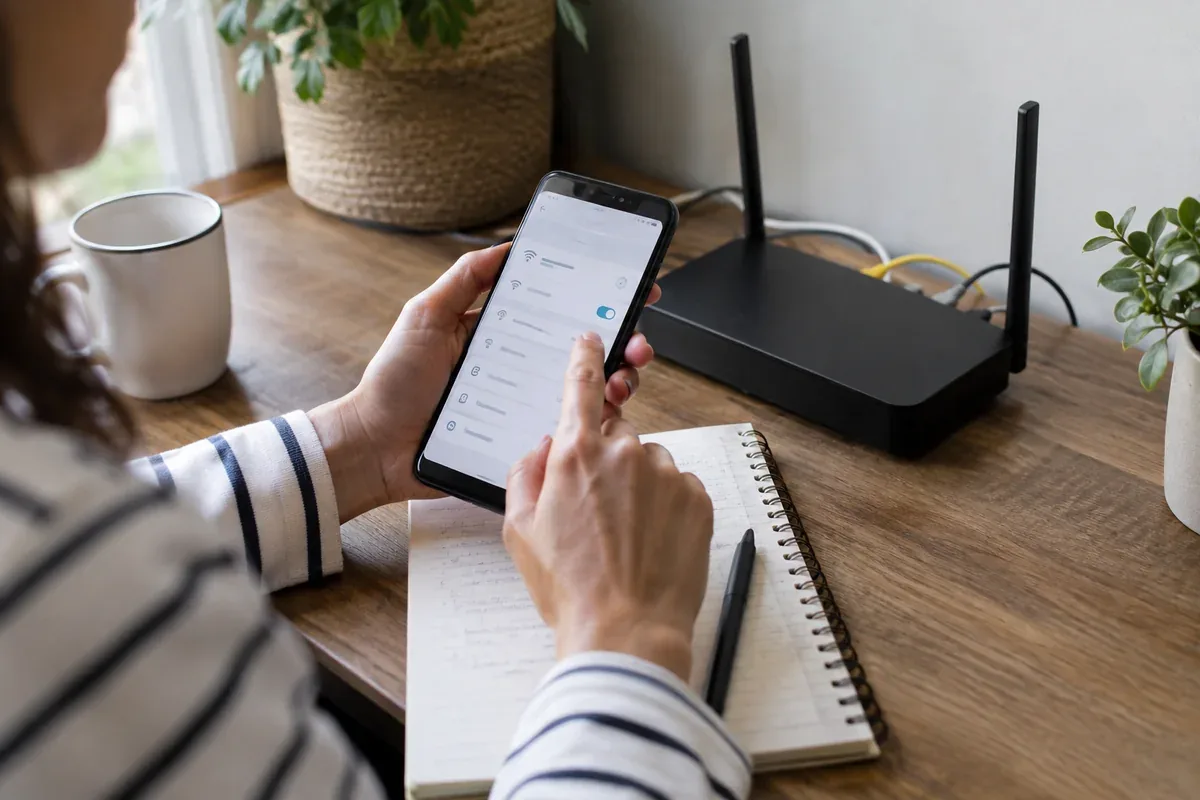
The answer in 30 seconds
A router or provider box joins the access network to devices in the home. Placing it inside a cabinet or behind dense walls can hurt wireless coverage even when the incoming line is healthy.
Follow the provider's connection instructions, wait for a stable access status, run a near-router or wired test, then adjust position and wireless settings based on where the problem occurs.
Examples to adapt
Check the access indicator before diagnosing wireless speed.
Compare the same device near the router and in that room.
Inspect the router status and provider outage information before moving equipment.
Follow the method
- 1Connect the line
Use the provider-supplied port, cable and power sequence for your access technology.
- 2Wait for status
Check the documented lights or app for a working internet connection.
- 3Test nearby
Use a wired device if available or test close to the router with background transfers paused.
- 4Improve coverage
Place the unit in the open and change one placement or network factor at a time.
A checklist to keep
Use these checks to record what you found. The grid supports a decision; it does not make one for you.
| Check | What to examine | Action |
|---|---|---|
| Line | Is the access cable correctly connected? | Inspect |
| Status | What does the provider indicator say? | Read |
| Wired | Does a cable test work? | Compare |
| Location | Is the router open and elevated? | Adjust |
| Retest | Did one change help? | Record |
Free, no sign-up. UTF-8 text with semicolon-separated columns.
What to check
Disconnecting access cables during an active fault can make diagnosis harder.
A wired test helps separate line and wireless issues.
A repeater cannot recover a strong signal from a weak input location.
Common questions
Should the router be central?
Place it openly and as centrally as the access cable and household layout reasonably allow.
When should I contact the provider?
When the access status reports a fault or wired/near-router tests remain poor after basic checks.
Sources and documentation
Documentation consulted on . Examples are illustrative; interfaces and results may change.