
Control website notifications in your browser
Review which sites can interrupt you, revoke unneeded access and distinguish browser alerts from system alerts.
Follow the method ↓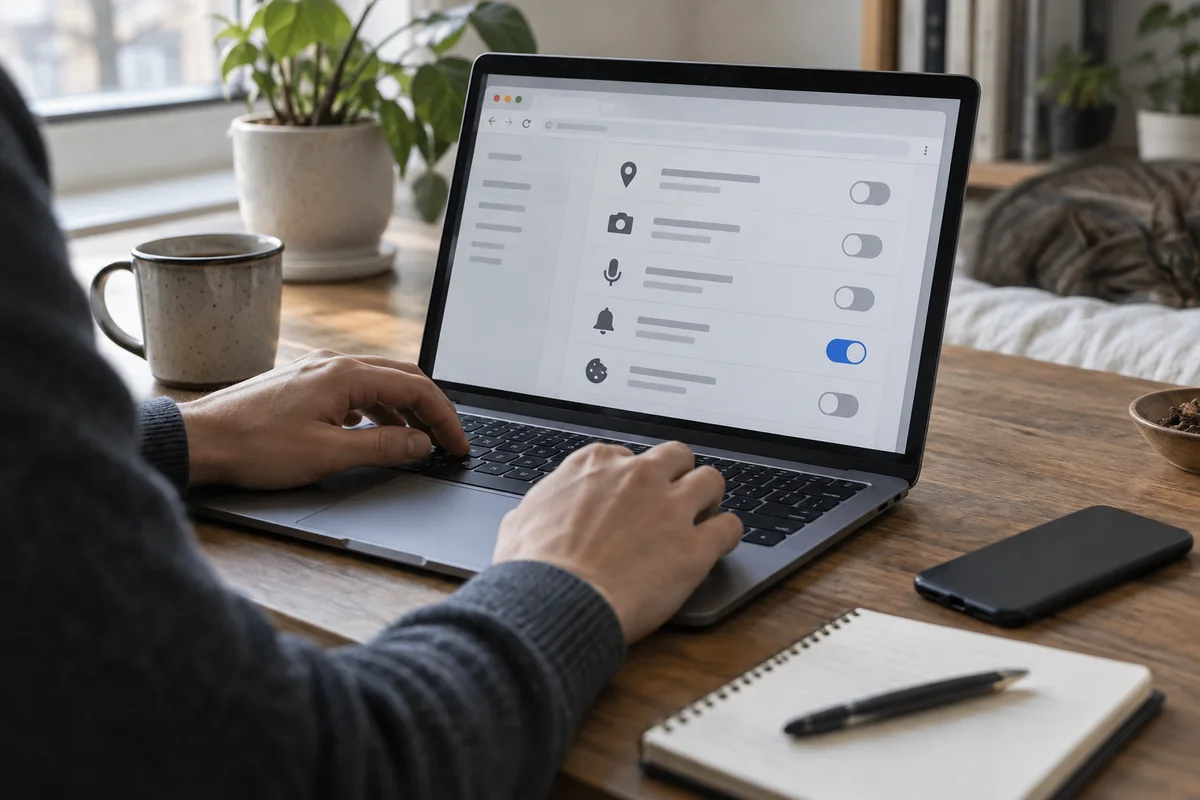
The answer in 30 seconds
A website may ask permission to send notifications even when its page is no longer open. An unexpected alert is not itself proof that your device has a problem.
Open the browser's site notification settings, identify the sending site, remove permissions you no longer need and return through a known address before acting on an alarming message.
Examples to adapt
Do not follow its button; identify the site that sent it and check the real service separately.
Keep only a few sites whose alerts serve a clear purpose.
Check operating system notification settings as well as the browser's site permissions.
Follow the method
- 1Identify the sender
Look at the notification's website and the browser that displayed it.
- 2Open permissions
Use the browser's settings to list websites with notification access.
- 3Revoke selectively
Remove unfamiliar or unnecessary sites; you can allow a useful site again later.
- 4Test and prevent
Check that unwanted alerts stop and decline new requests unless they meet a real need.
A checklist to keep
Use these checks to record what you found. The grid supports a decision; it does not make one for you.
| Check | What to examine | Action |
|---|---|---|
| Sender | Which website sent it? | Identify |
| Purpose | Do its alerts help? | Decide |
| Permission | Is it allowed in the browser? | Review |
| Action | Can access be removed? | Revoke |
| Result | Did the unwanted alert stop? | Test |
Free, no sign-up. UTF-8 text with semicolon-separated columns.
What to check
Closing a tab may not revoke notification permission.
An alert can imitate a system message.
Notification controls differ across browsers and devices.
Common questions
Will blocking notifications break a website?
Usually its pages still work; you may simply stop receiving its alerts.
Should I clear all browser data?
Not as a first step. Review the site permission specifically to avoid losing useful state.
Sources and documentation
Documentation consulted on . Examples are illustrative; interfaces and results may change.