
Spot a phishing message before you act
Check an unexpected request, open the service independently and report a suspicious message without following its link.
Follow the method ↓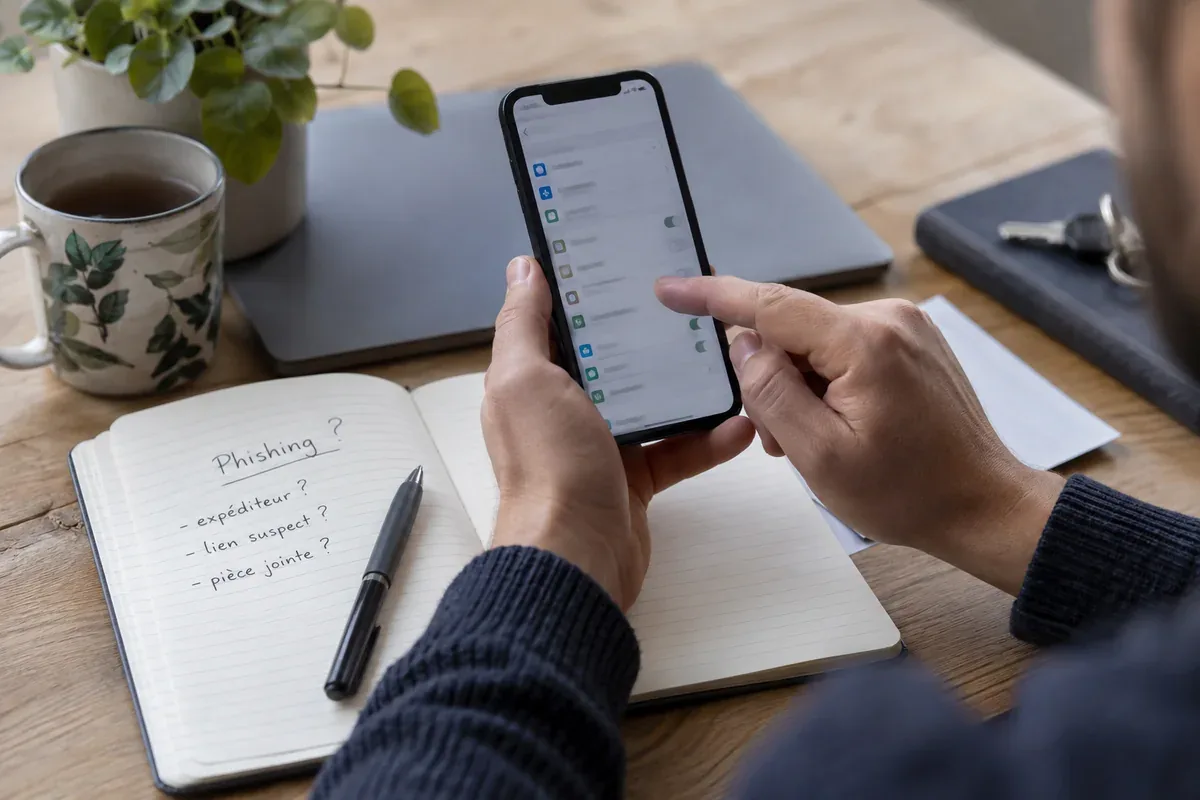
The answer in 30 seconds
A familiar logo or convincing tone does not prove who sent a message. Pause when an email or text asks you to sign in, pay, download a file or disclose a code.
Treat an unexpected request as unverified. Open the organisation's known app or type its address yourself, then check whether the same request appears there. Do not use the message's link or phone number to verify it.
Examples to adapt
Open the carrier's app or a known address and check your order there before paying any fee.
Visit the service directly and inspect recent activity rather than entering a password through the email.
Confirm through a separate, established channel; verification codes are not meant to be forwarded.
Follow the method
- 1Stop before responding
Identify exactly what the message asks you to do and whether you expected it.
- 2Check the destination
Look beyond the display name. A familiar name can accompany an unrelated sender or link.
- 3Verify independently
Open the official app, a saved bookmark or a known address and look for the alleged issue there.
- 4Report or remove
Use the service's reporting feature or your organisation's security contact. Avoid forwarding the suspicious link to others.
- 5Act quickly if you already responded
Change affected credentials through the real service and contact the relevant provider if payment or personal information was exposed.
A checklist to keep
Use these checks to record what you found. The grid supports a decision; it does not make one for you.
| Check | What to examine | Action |
|---|---|---|
| Request | What action is being demanded? | Pause |
| Sender | Address and context, not just display name | Compare |
| Destination | Where the link would really lead | Open independently |
| Account | Whether the request appears in the official app | Verify |
| Response | Reporting or account recovery route | Record |
Free, no sign-up. UTF-8 text with semicolon-separated columns.
What to check
Urgency and a familiar logo are not evidence that a request is genuine.
A link can display one label while opening a different destination.
A verification code should stay with the person completing the legitimate sign-in.
Common questions
Can spelling alone reveal a scam?
Errors can be a clue, but polished messages can also be fraudulent. Check the request and its destination independently.
What if the message seems to be from someone I know?
Their account may be compromised or impersonated. Confirm the request through a separate channel you already trust.
Sources and documentation
Documentation consulted on . Examples are illustrative; interfaces and results may change.