
Check a QR code before opening its link
Treat a QR code as a link whose destination is hidden until scanning, especially before signing in or paying.
Follow the method ↓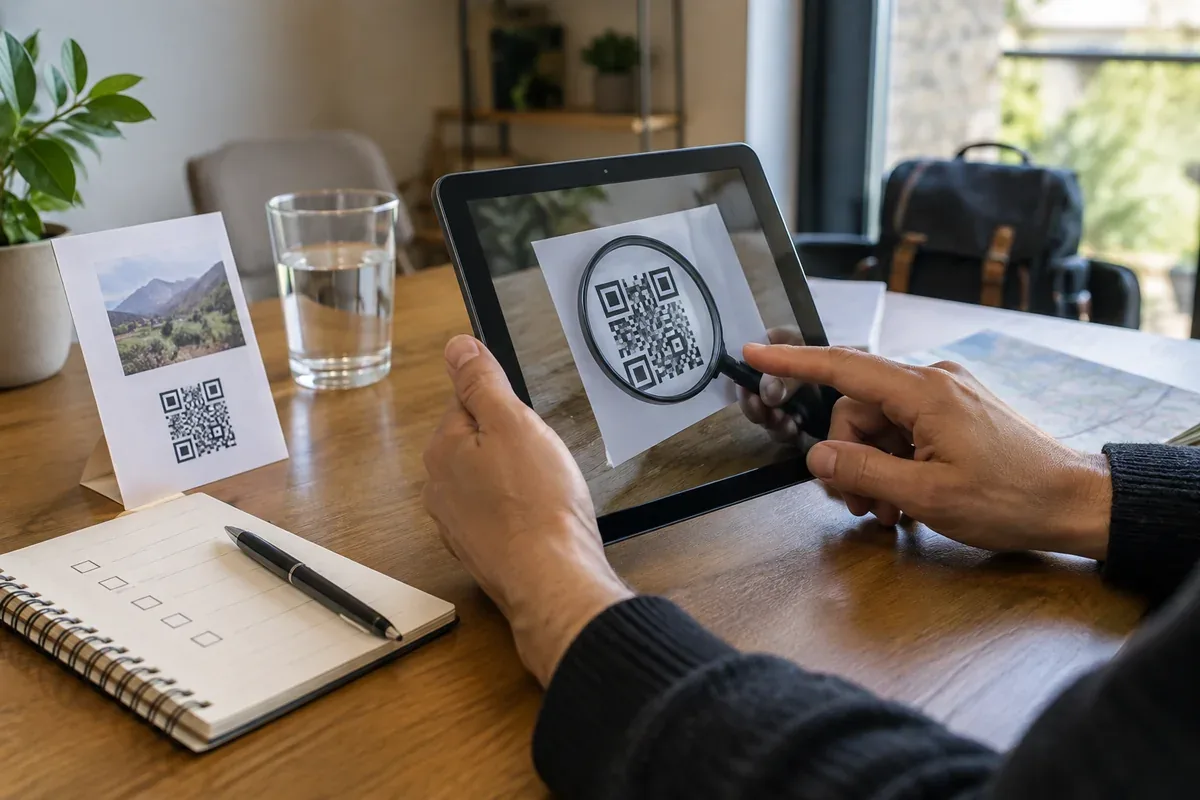
The answer in 30 seconds
A QR code can be printed over another code or sent in a message. The square image does not tell you who controls the destination.
Preview the destination shown by your camera, compare its domain with the organisation you intended to visit, and open the known official address yourself when a payment or sign-in is involved.
Examples to adapt
Check whether a sticker covers the original code and confirm the payment service through official signage or its app.
Ask why the sender used a code instead of a normal address; open the known service independently.
Preview the domain and avoid entering account or payment details on an unexpected page.
Follow the method
- 1Check the context
Identify the organisation that should have published the code and whether the request makes sense.
- 2Inspect the physical code
Look for overlays, replacement stickers or an unrelated source when the code is displayed in public.
- 3Preview the address
Use the phone camera's preview before opening the site; read the domain rather than the page title alone.
- 4Verify sensitive actions separately
For sign-in or payment, use the organisation's known app or address if the destination is uncertain.
- 5Stop if something changed
If you already entered details on a suspicious page, contact the relevant provider through its official channel.
A checklist to keep
Use these checks to record what you found. The grid supports a decision; it does not make one for you.
| Check | What to examine | Action |
|---|---|---|
| Publisher | Who placed or sent the code? | Identify |
| Surface | Could a sticker cover an earlier code? | Inspect |
| Preview | What domain appears before opening? | Read |
| Request | Does the page ask for sign-in or payment? | Verify |
| Alternative | Can the service be opened independently? | Use |
Free, no sign-up. UTF-8 text with semicolon-separated columns.
What to check
A valid-looking QR pattern does not certify its publisher.
A familiar logo on the landing page can be copied.
Do not enter a password or payment information merely because the code was displayed in a public place.
Common questions
Is scanning itself always dangerous?
The main risk comes from opening the destination and following its requests. Preview the address and keep your device updated.
What if a shortened address appears?
A short link hides the final domain. Use an independent route to the organisation when the action matters.
Sources and documentation
Documentation consulted on . Examples are illustrative; interfaces and results may change.