
Turn on two-factor authentication safely
Add a second sign-in factor to an important account and prepare a recovery route before you need it.
Follow the method ↓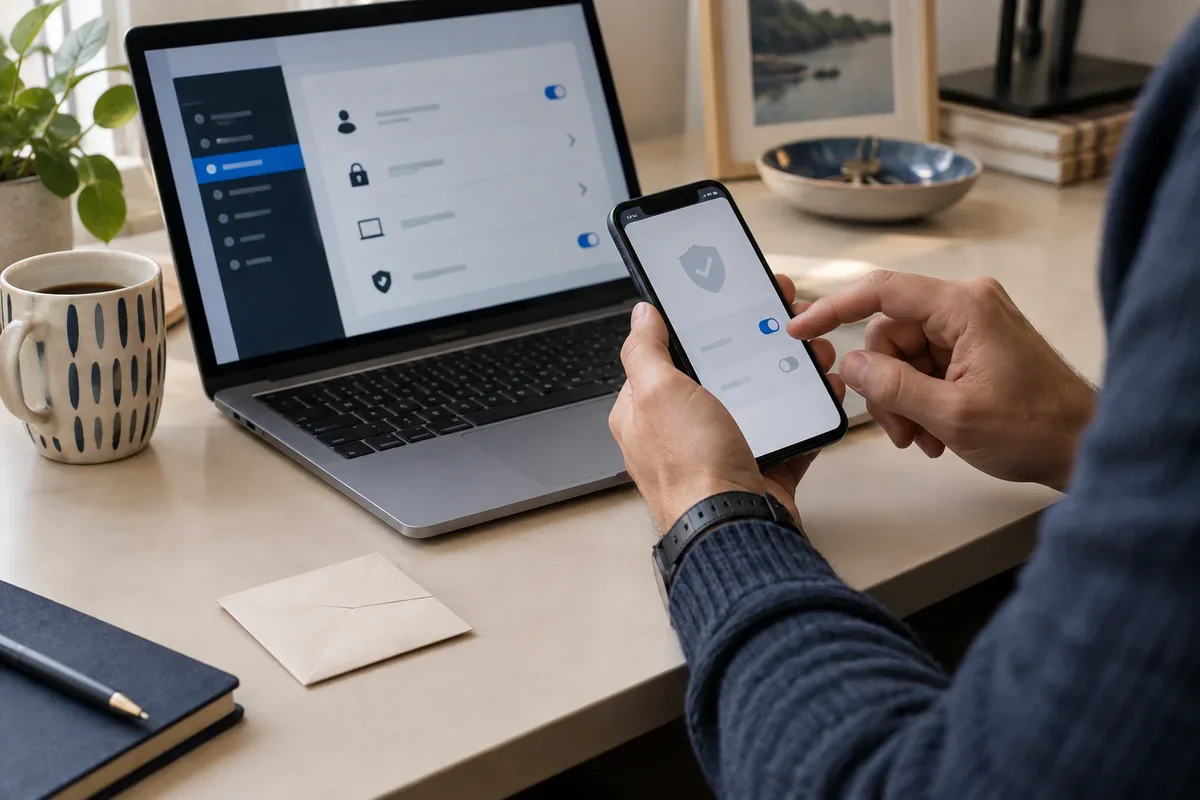
The answer in 30 seconds
Two-factor authentication adds another check to a password sign-in. The available methods differ by service, so use the account's own security settings and read its recovery options.
Start with an important account, enable a supported second factor in its official settings, complete a test sign-in and store recovery codes separately from the device you use to sign in.
Examples to adapt
Secure the mailbox used to reset other accounts, then check its recovery address and devices.
Confirm how the authenticator or passkey transfers before wiping the old device.
Reject it and inspect account activity through the official app; do not approve a sign-in you did not initiate.
Follow the method
- 1Open account security settings
Use the service's known app or website, not a link in an unexpected message.
- 2Compare available methods
Choose the strongest practical option supported by both the service and your devices.
- 3Register the second factor
Follow the service's setup instructions and confirm a test sign-in before closing the settings.
- 4Save recovery options
Store recovery codes or a backup method somewhere secure and separate from the primary device.
- 5Review later
Remove old devices and check recovery details when a phone, email address or work role changes.
A checklist to keep
Use these checks to record what you found. The grid supports a decision; it does not make one for you.
| Check | What to examine | Action |
|---|---|---|
| Account | Which important account is being protected? | Choose |
| Method | What second factor does the service support? | Compare |
| Test | Does a fresh sign-in work as expected? | Confirm |
| Recovery | Where are backup codes or methods kept? | Store |
| Devices | Are old authenticators still registered? | Review |
Free, no sign-up. UTF-8 text with semicolon-separated columns.
What to check
Two passwords do not make two independent factors.
A one-time code can still be stolen by a convincing phishing page.
Losing the only second factor can lock you out if recovery was not prepared.
Common questions
Is a text-message code better than nothing?
It adds a check, but methods vary in resistance to phishing and account takeover. Use a stronger supported option when practical.
Should recovery codes be kept on the same phone?
A separate secure location is safer if that phone is lost, broken or inaccessible.
Sources and documentation
Documentation consulted on . Examples are illustrative; interfaces and results may change.