
Review mobile app permissions
Compare access to camera, location, contacts and files with what an app actually needs to do.
Follow the method ↓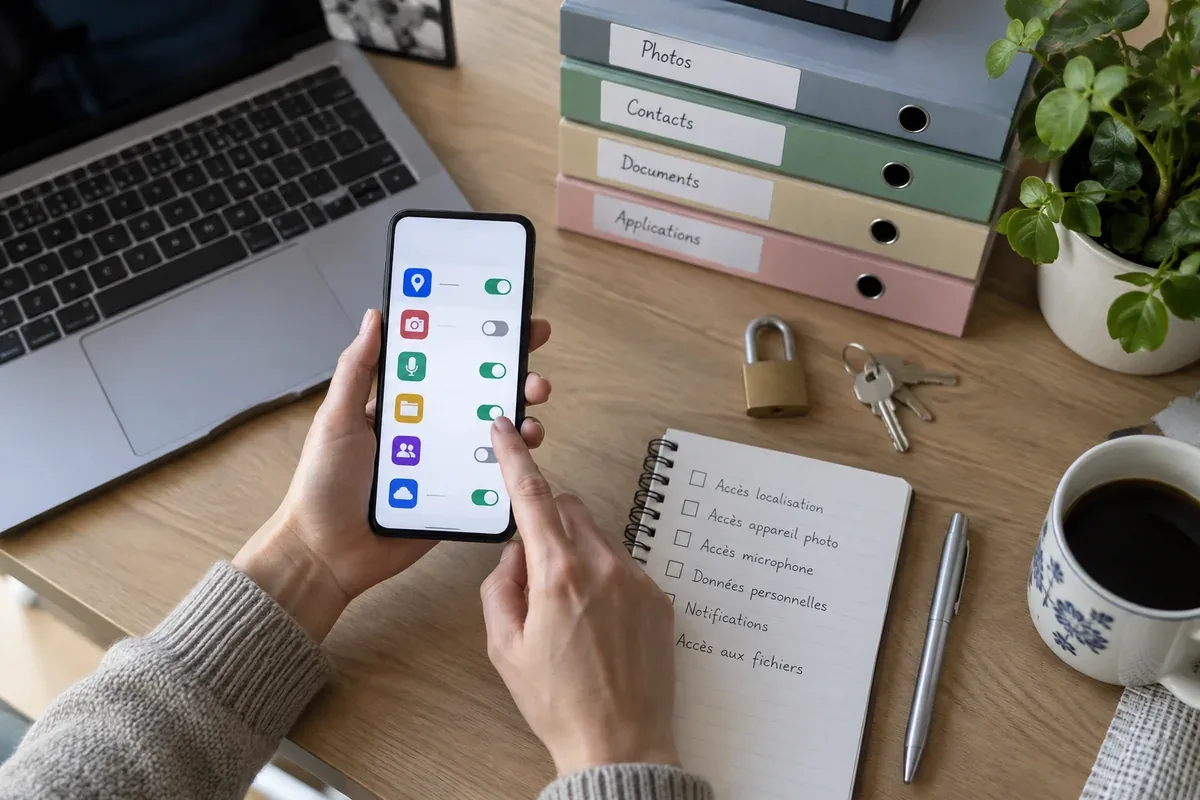
The answer in 30 seconds
An app can ask for a permission when a feature first needs it, and you may be able to grant it only while using the app. Reviewing permissions is easier when you start with one sensitive category rather than changing everything at once.
Open the device permission manager, see which apps have access to sensitive features, narrow or revoke unnecessary access and test whether the feature you use still works.
Examples to adapt
Location while using the app may be enough for a one-time route.
Question why it asks for contacts or microphone access.
Remove the app if it no longer serves a purpose, not just its permissions.
Follow the method
- 1Choose a permission
Start with location, microphone, camera, contacts or files.
- 2See the app list
Use device settings to identify apps with that access and when they can use it.
- 3Narrow access
Choose a less broad option where available or deny access that is unrelated to the task.
- 4Test the feature
Open the app and check whether the intended function still works; document any reason to restore a permission.
A checklist to keep
Use these checks to record what you found. The grid supports a decision; it does not make one for you.
| Check | What to examine | Action |
|---|---|---|
| App | Do you still use it? | Decide |
| Permission | What resource can it access? | Read |
| Timing | Only while used or always? | Narrow |
| Need | Does a feature require it? | Test |
| Review | When should access be checked again? | Plan |
Free, no sign-up. UTF-8 text with semicolon-separated columns.
What to check
Menu names differ between Android and iOS versions.
Denying access may disable one app feature without affecting the whole app.
Permission settings do not explain every form of data collection.
Common questions
Must I allow a permission forever?
Often no. Some systems offer while-using or ask-every-time options.
What if I cannot identify the app?
Check its publisher and purpose; remove it if you do not need it.
Sources and documentation
Documentation consulted on . Examples are illustrative; interfaces and results may change.