
Secure an important account in fifteen minutes
Prioritise the main email account, review sign-in methods and make recovery possible before adding complexity.
Follow the method ↓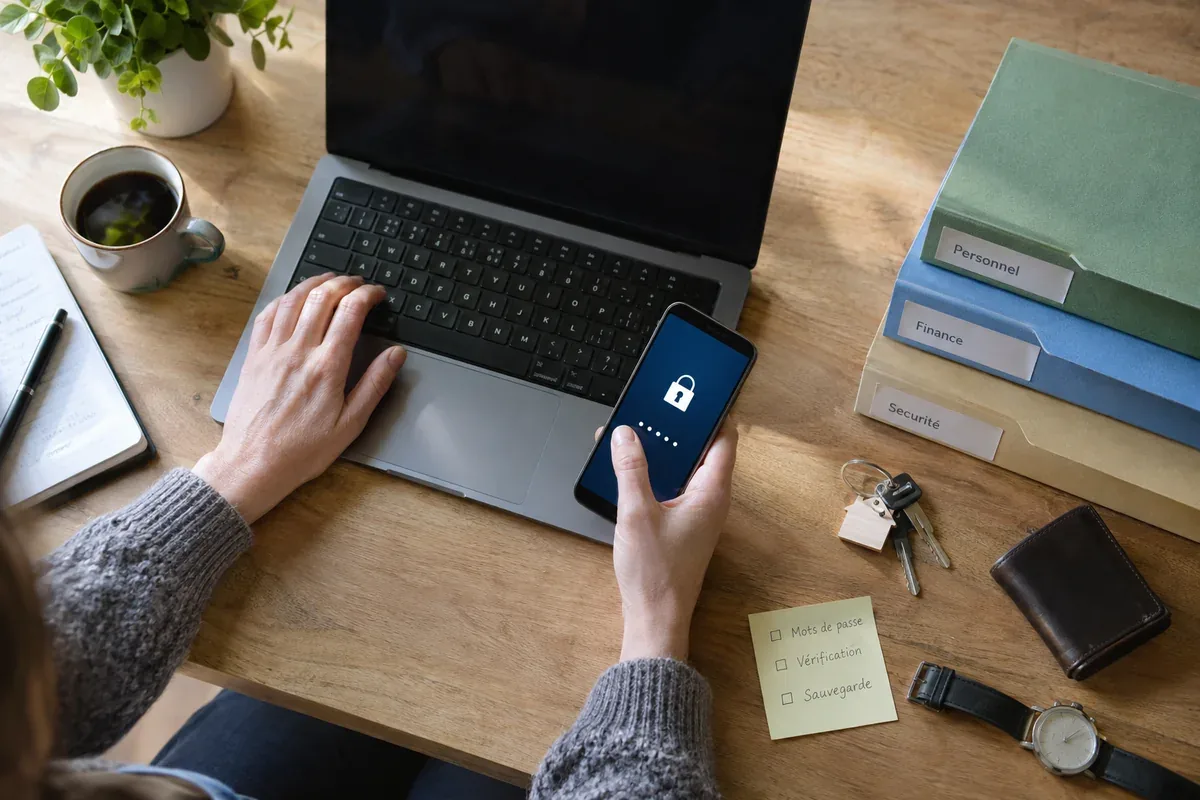
The answer in 30 seconds
Your main email account often resets access to other services. A short focused review is more useful than changing many passwords without planning how you will sign in again.
Open the account through a known address, use a unique strong sign-in method, enable a second factor where available, check recovery details and sign out unfamiliar sessions.
Examples to adapt
Replace it with a unique one and update any other account that shared it.
Confirm that recovery will still work if the old phone disappears.
Review recent sign-ins and follow the service's account protection steps.
Follow the method
- 1Choose one account
Start with the primary email or another account that can reset many others.
- 2Improve sign-in
Set a unique password or supported passkey and keep it in a trusted manager.
- 3Add protection
Enable an appropriate second factor and store recovery codes securely if provided.
- 4Review recovery
Check recovery email, phone, trusted devices and active sessions without sharing codes.
A checklist to keep
Use these checks to record what you found. The grid supports a decision; it does not make one for you.
| Check | What to examine | Action |
|---|---|---|
| Account | Can it reset other services? | Prioritise |
| Secret | Is the method unique? | Change |
| Second factor | Is it enabled and usable? | Set |
| Recovery | Can you recover after device loss? | Test |
| Sessions | Are unfamiliar devices connected? | Review |
Free, no sign-up. UTF-8 text with semicolon-separated columns.
What to check
Do not enter a verification code into a page reached through an unexpected message.
A second factor is only useful if recovery remains possible.
Changing a password does not automatically remove every active session.
Common questions
Which account should come first?
Often the email that resets your other accounts; choose based on your own access dependencies.
Should I share recovery codes with a helper?
No. Keep control of them and ask for help without disclosing the codes.
Sources and documentation
Documentation consulted on . Examples are illustrative; interfaces and results may change.