
Create and keep unique passwords
Prioritise important accounts, replace reused passwords and plan account recovery without making a list of secrets.
Follow the method ↓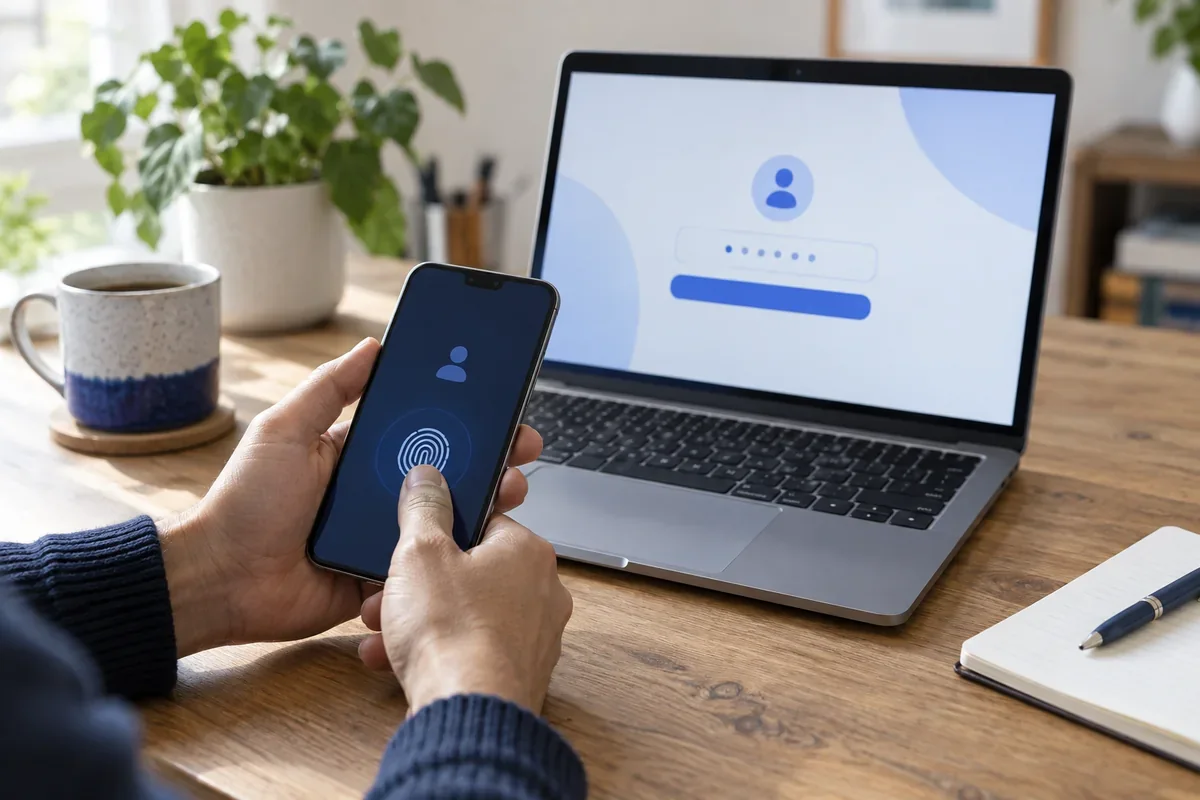
The answer in 30 seconds
A complex-looking password offers little protection when it is reused across services. Start with the email account that can reset other accounts, then work through a manageable list.
Give each important account a long, unique password generated and stored in a protected password manager. Keep a list of accounts to review, without writing the passwords in that list.
Examples to adapt
Protect the email account first, then replace the shared password on other accounts.
Use separate user profiles and lock the device; a saved password may otherwise be available to the next person.
Check access to your password manager and recovery method before erasing the old device.
Follow the method
- 1List accounts, not secrets
Write down service names and prioritise email, banking and accounts holding irreplaceable data.
- 2Change one account at a time
Open its known address and generate a new, independent password. Avoid a common base with a different suffix.
- 3Protect the manager
Use a unique master passphrase, device lock and a second factor where available.
- 4Prepare recovery
Understand how to regain access if your device is lost. Keep recovery codes away from the only sign-in device.
- 5Test the next sign-in
Confirm that the new password was stored correctly before marking the account complete.
A checklist to keep
Use these checks to record what you found. The grid supports a decision; it does not make one for you.
| Check | What to examine | Action |
|---|---|---|
| Account | Which account is next? | Prioritise |
| Reuse | Was this password used elsewhere? | Replace |
| Storage | Was the new secret saved securely? | Confirm |
| Recovery | Can you regain access without this device? | Prepare |
| Sign-in | Does a fresh sign-in succeed? | Test |
Free, no sign-up. UTF-8 text with semicolon-separated columns.
What to check
A small variation of the same password is still predictable.
Never place passwords in a spreadsheet or checklist created for this guide.
Change a unique password when it was exposed or entered on a suspicious site.
Common questions
Must I change every password today?
No. Begin with critical accounts and replace reused passwords methodically.
Are passkeys an alternative?
They can be where supported. Check how the passkey is stored and which older sign-in methods remain active.
Sources and documentation
Documentation consulted on . Examples are illustrative; interfaces and results may change.