
Choose a password manager you can recover
Compare protection, device support, recovery and export before moving all your accounts into a vault.
Follow the method ↓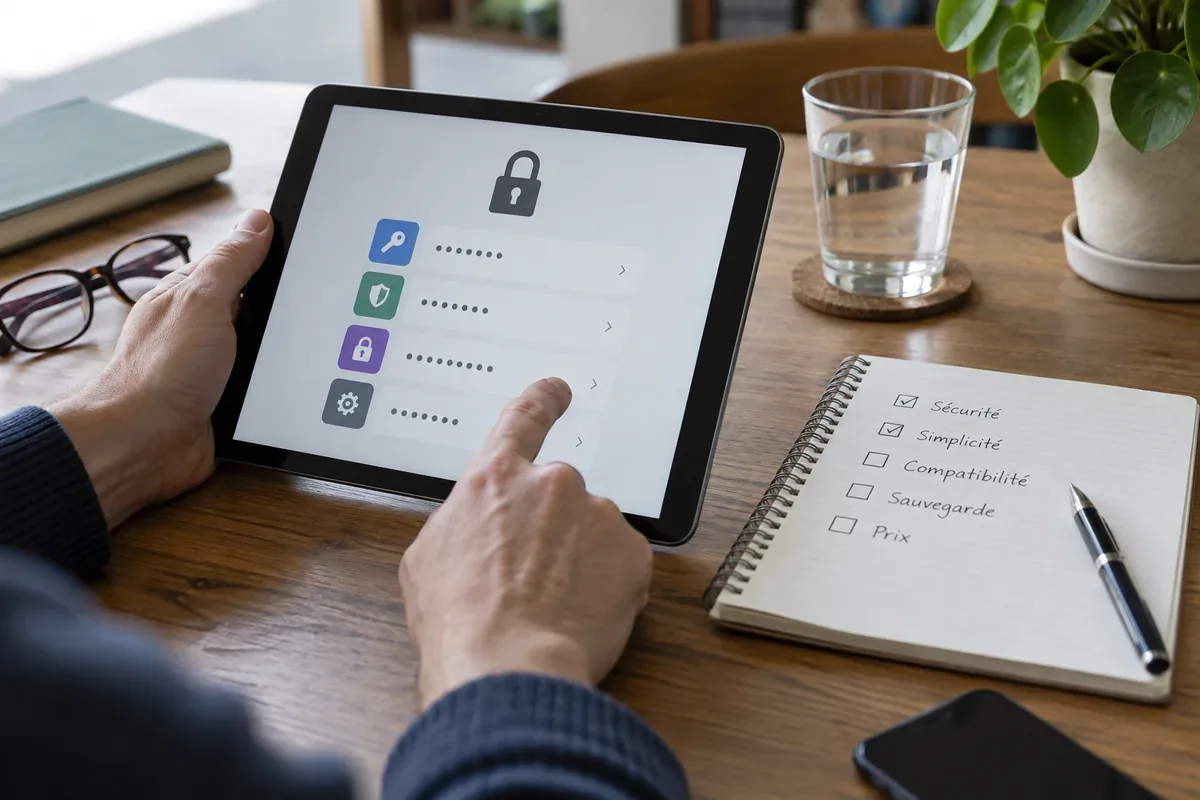
The answer in 30 seconds
A manager helps create distinct passwords, but its vault becomes an important part of your account access. A short trial with non-critical accounts reveals practical limits before a full move.
Test a manager on your actual devices. Verify how its vault is unlocked, protected, recovered and exported, and keep a separate way to recover important accounts.
Examples to adapt
Decide whether each person needs a separate vault and how limited sharing works.
Check the manager's documented recovery path before removing the old phone.
Try an export with test entries and understand how to protect and delete an unencrypted export.
Follow the method
- 1Write down your requirements
List devices, operating systems, browser support and any controlled sharing you need.
- 2Study vault protection
Check the master passphrase, second factor, device approvals and available recovery mechanisms.
- 3Try a small set
Create test entries, generate unique passwords and confirm autofill uses the expected domain.
- 4Test recovery and export
Practice with non-sensitive entries. Treat a plain export as highly sensitive.
- 5Move gradually
Secure email and high-value accounts first, then replace reused passwords as you go.
A checklist to keep
Use these checks to record what you found. The grid supports a decision; it does not make one for you.
| Check | What to examine | Action |
|---|---|---|
| Devices | Does it work where you sign in? | Test |
| Vault | What protects access? | Review |
| Recovery | What happens if a device is lost? | Prepare |
| Sharing | Can access be limited by person? | Compare |
| Exit | Can you export and remove your data? | Test |
Free, no sign-up. UTF-8 text with semicolon-separated columns.
What to check
An unencrypted vault export contains the same secrets as the vault.
Sync does not remove the need to plan recovery.
The browser's built-in manager may be sufficient for some needs; compare its profile protection and export options.
Common questions
Does a manager create a single point of failure?
It concentrates access, so protect and recover the vault carefully. It also helps avoid password reuse.
Should I import every account immediately?
A small trial lets you check sign-in and recovery before depending on the manager.
Sources and documentation
Documentation consulted on . Examples are illustrative; interfaces and results may change.