
Read a web address before opening it
Separate host, user information, path and parameters; practise with an address reader that does not visit the link.
Follow the method ↓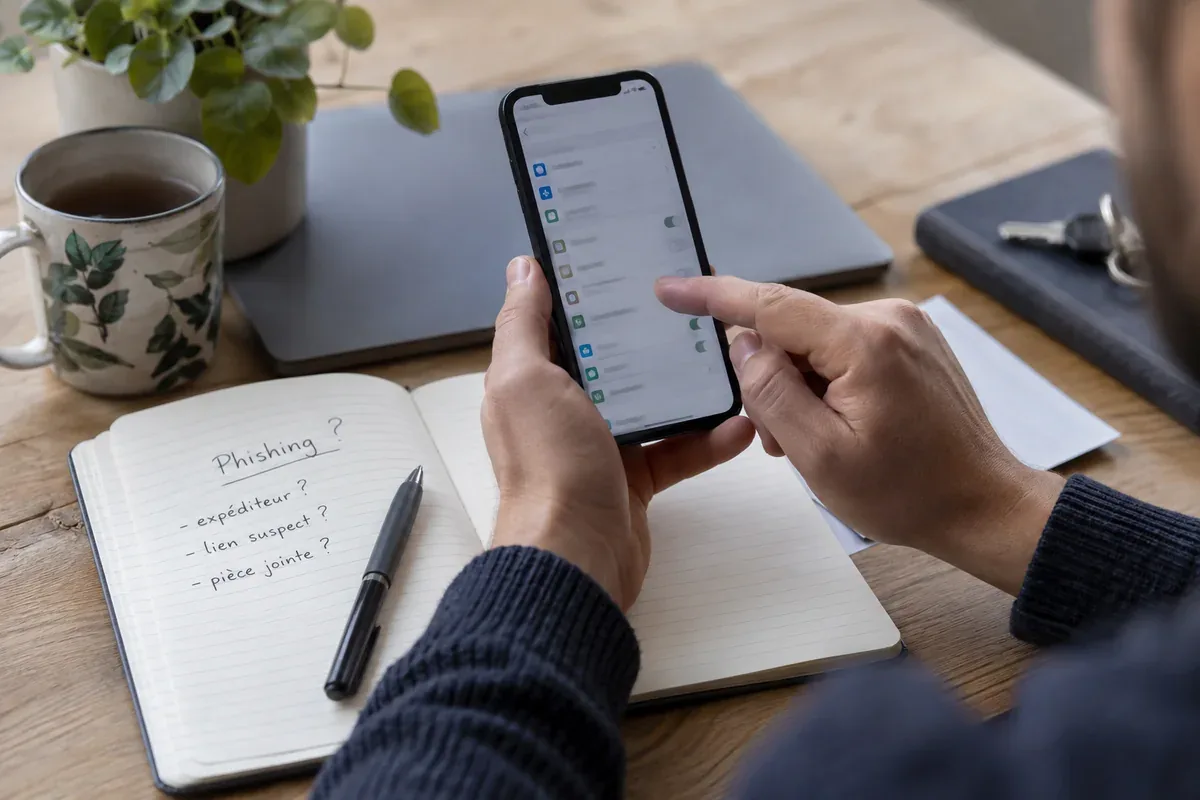
The answer in 30 seconds
A link can display an expected name while naming a different host. Before signing in or downloading, inspect the full address and compare it with a destination found independently.
The host is the address’s hostname. A name in its path, parameters or user information before @ does not name that host. A readable HTTPS address does not establish its owner’s identity.
Examples to adapt
https://destination.invalid/service.example names destination.invalid; its path does not make it service.example’s site.
service.example.destination.invalid and service.example name different hosts. Do not automatically infer the registered domain from the final two labels.
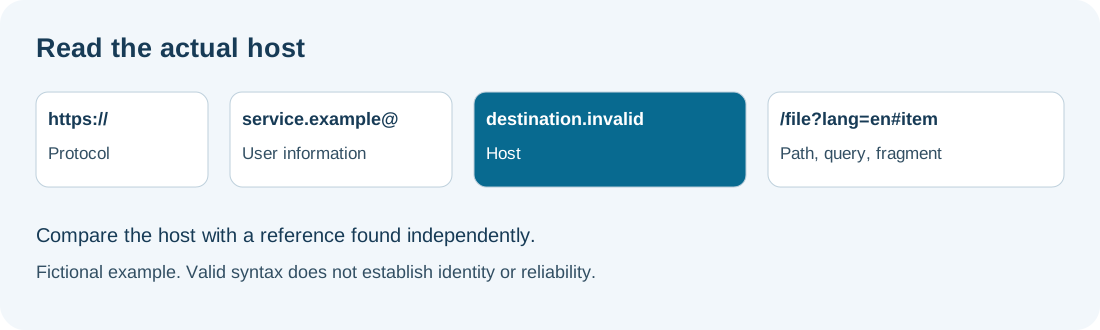
Read a web address without opening it
Separate the contacted host, path, parameters and fragment. A familiar name in the path or before an @ can obscure another destination. This workshop does not verify site identity or redirects.
HTTPS describes the protocol, not reliability. The registered domain is not inferred automatically: suffixes such as .co.uk require an appropriate suffix list. A shortened link requires a separate check of its final destination.
Documentation consulted on 8 October 2026: MDN — URL.hostname, URL.username, URL.hash.
Follow the method
- 1Obtain the full address
Preview the link or copy its destination without opening it. Separate displayed text from destination. Avoid sharing private URLs containing access codes.
- 2Identify the host
In https://service.example@destination.invalid/file, destination.invalid is the host. service.example occupies the user-information part. These are fictional examples.
- 3Read the other parts
Distinguish document path, parameters after ? and fragment after #. They may describe context or contain private values; they do not establish site identity.
- 4Compare an independent reference
Reach the organisation through a known bookmark or official documentation. Check the precise address rather than a familiar word. A shortened link’s final destination needs a separate check.
A checklist to keep
Use these checks to record your observations. They are a reading aid, not an automatic assessment.
| Check | What to examine | Action |
|---|---|---|
| Full address | Actual link destination | Copy without opening |
| Host | Name displayed by reader | Compare with a reference |
| User information | Presence before @ | Separate from host |
| Parameters | Possible codes and context | Avoid disclosing private values |
| Redirect | Final destination unknown | Check separately |
Free, no sign-up. UTF-8 text with semicolon-separated columns.
What to check
A syntactically valid address need not be legitimate.
A redirect can change the destination after opening.
Internationalised domains can appear in punycode; compare the spelling against a reference.
Common questions
Does the reader contact the website?
No. It uses the browser’s URL parser and displays text without opening the link.
Is the fragment useless?
No. It can identify a section or be used by the application. Its contents are not evidence of identity.
Sources and documentation
Documentation consulted on . Examples are illustrative; interfaces and results may change.
Reference record for this resource
Identify the publisher, official destination and practical checks before using the service.
Read the MDN Web Docs record →