
Find a correction or retraction of a research paper
Identify the paper using DOI or PMID, find linked notices and record how they affect your citation.
Follow the method ↓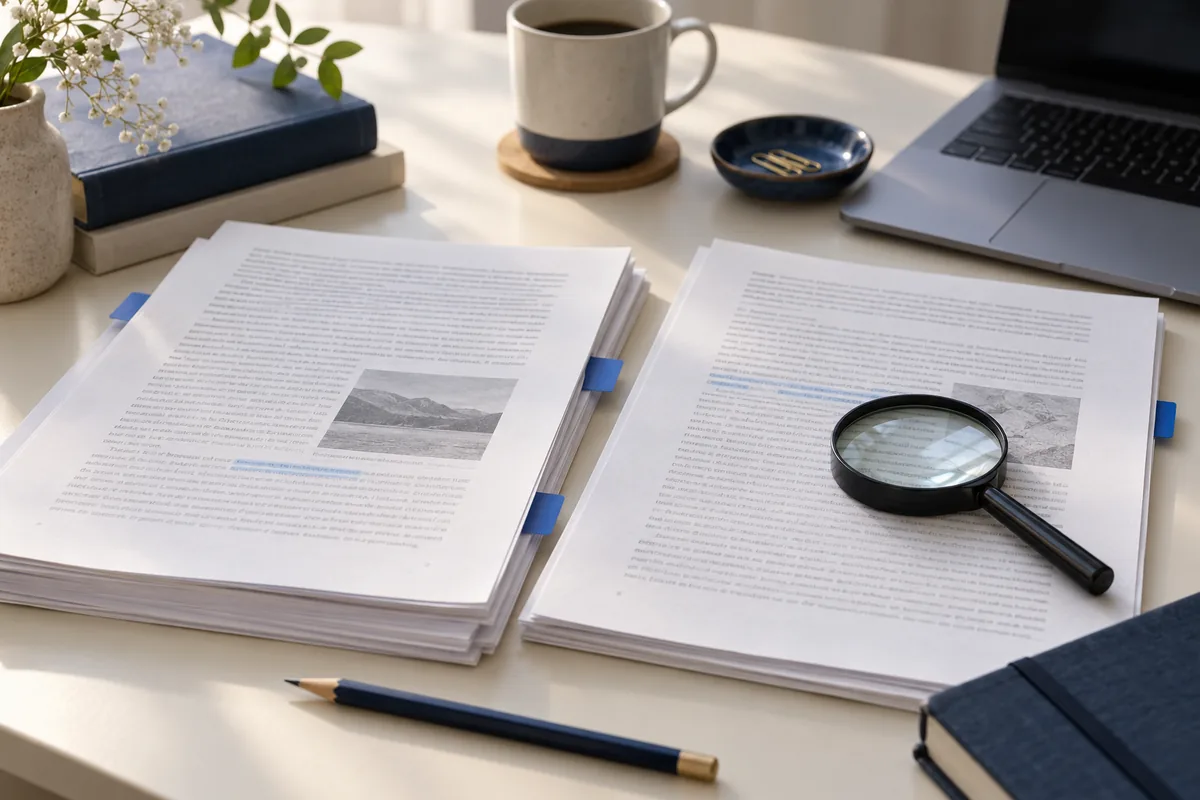
The answer in 30 seconds
A PDF saved months ago can remain readable after a correction notice appears. Checking a reference includes finding its current status. This method supports bibliography maintenance and does not replace scientific assessment.
Open the current publisher page through the DOI. Look for linked notices and Crossmark when available. For biomedical references, also inspect PubMed’s correction or retraction links. Read the full notice, retain its reference and distinguish correction, expression of concern and retraction.
Examples to adapt
Fictional example: a bibliography uses last year’s download and the publisher later corrects a figure. Keep the notice and determine whether your argument uses that figure.
Fictional example: a preprint and journal paper share a title. Match identifiers and versions before applying a notice from one to the other.
Follow the method
- 1Identify the exact paper
Record title, authors, year, journal and DOI; add PMID when using PubMed. Match these before deciding a notice applies. A similar title or preprint can identify a different document.
- 2Find the current version
Follow the DOI and inspect linked notices. Crossmark helps reveal publisher-reported status when implemented; its absence does not prove there was no change.
- 3Read the notice’s scope
Open the notice and record whether it concerns a figure, data, text or the whole paper. A local correction and a retraction affect references differently. Do not infer a reason that the notice does not state.
- 4Update your work
Keep paper and notice references with your check date. Revisit arguments relying on the affected result. When preserving a historical citation, explain its status and context.
A checklist to keep
Use these checks to record your observations. They are a reading aid, not an automatic assessment.
| Check | What to examine | Action |
|---|---|---|
| Paper | DOI, PMID, title, version | Identify the exact document |
| Notice | Type, date, reference | Open and read the notice |
| Scope | Affected passage or result | Revisit your argument |
| Follow-up | Date and editorial decision | Keep an audit trail |
Free, no sign-up. UTF-8 text with semicolon-separated columns.
What to check
Access dates do not change publication dates.
Describe retractions from the notice without adding accusations.
Missing Crossmark buttons or database links are not guarantees.
Common questions
Does a DOI prove a result remains valid?
No. It identifies the document; status, methods and conclusions require separate reading.
Should I erase every trace of a retracted paper?
Keep a research record. If citing it to study its history, explicitly identify the retraction and notice.
Why open several destinations?
Database records, publisher pages and PDFs may show different information. Record observations without claiming an exhaustive search.
Sources and documentation
Documentation consulted on . Examples are illustrative; interfaces and results may change.
Reference record for this resource
Identify the publisher, official destination and practical checks before using the service.
Read the Crossref record →